Guide
How to Delete Your Account on the Best Life app
Step-by-step instructions for deleting your account or your data from the Best Life app.
You can delete your Best Life account, or just your data, directly from the app. This guide walks through both.
How to delete your account
Open the app and tap Settings (the gear icon, bottom-right). In Settings, tap Privacy.
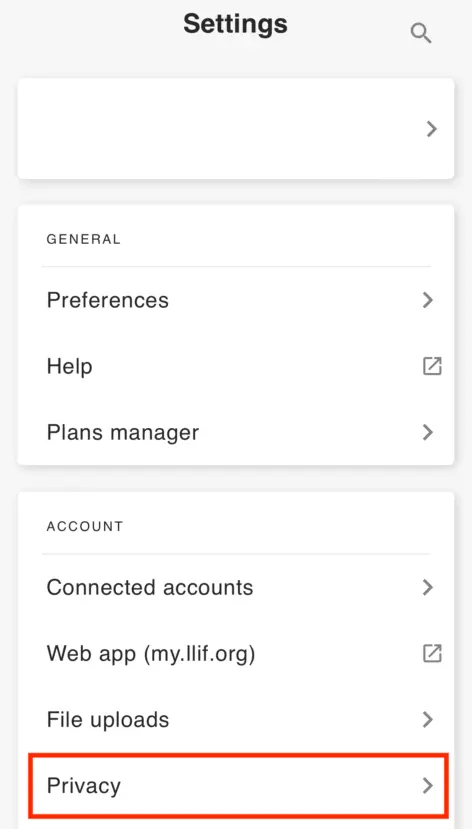
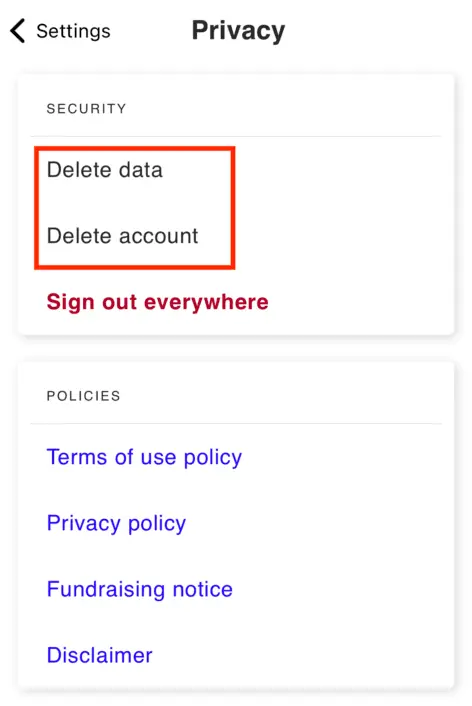
From the Privacy screen, you can delete your data on its own or delete the whole account. To delete the account, tap Delete account.
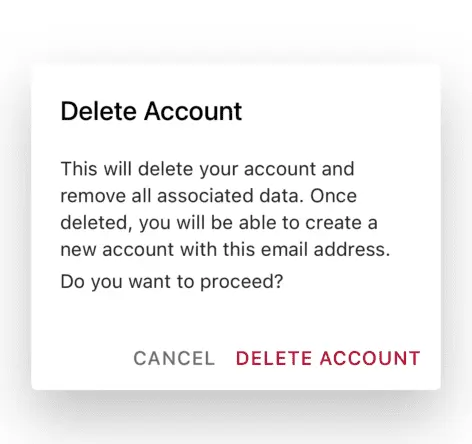
Confirm the action when prompted. Your account is deleted once confirmed.
How to delete your data
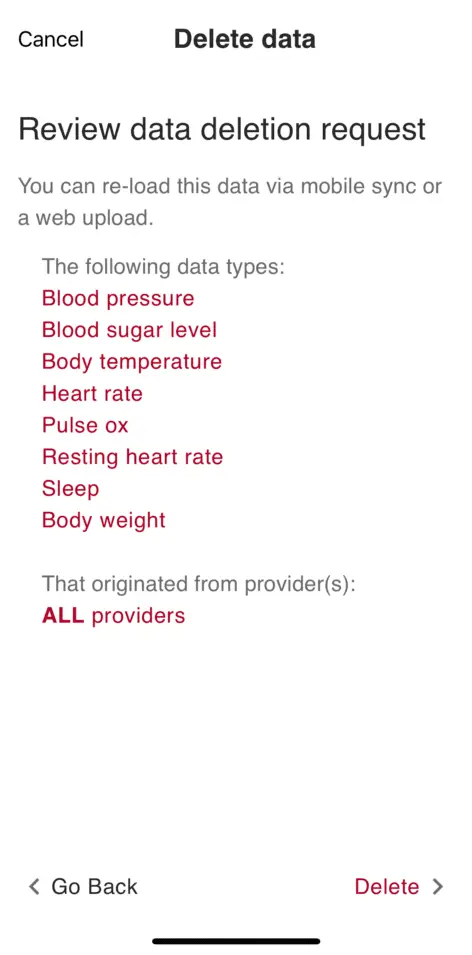
If you want to remove your data but keep your account, go to Settings > Privacy and tap Delete data instead.
Select the data types you want to delete.
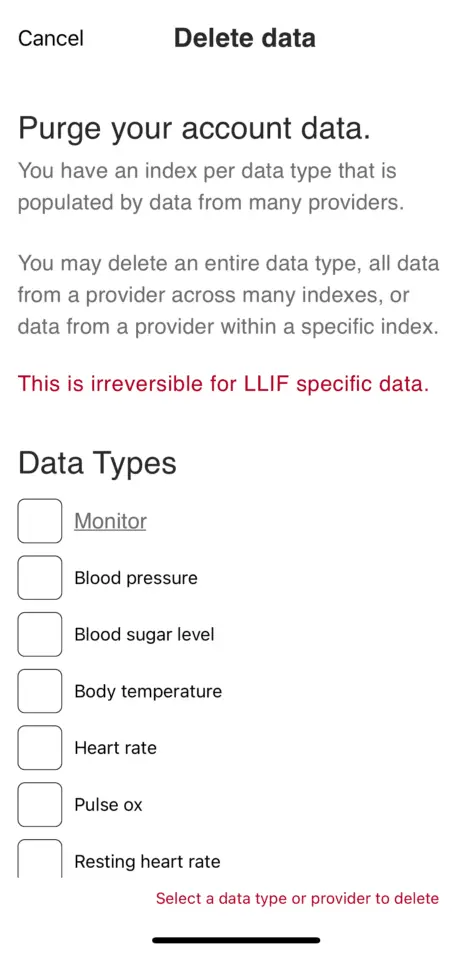
Review your selection and confirm. The data is removed within a few moments.
If you have questions, contact us.